How to Redeem Egg Evolution Codes
From the official listing to the in-game box, without wasting the 5,000 Gem grant.
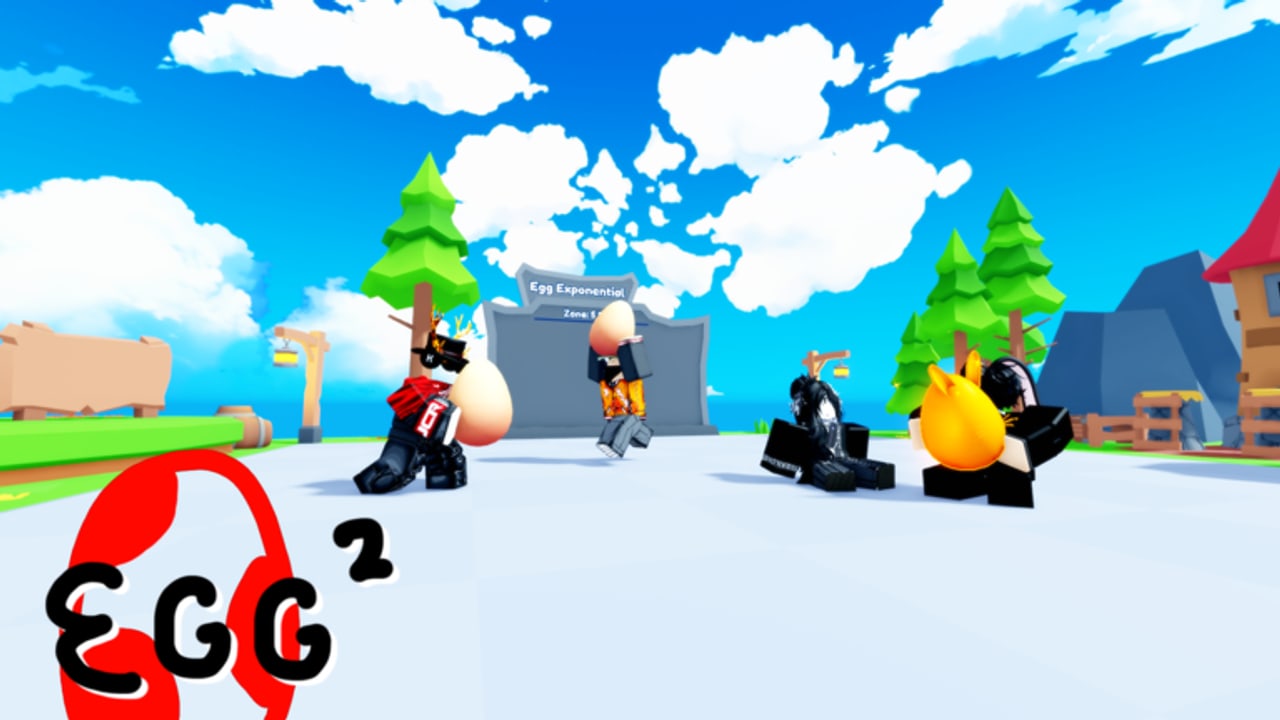
Redeeming a code in Egg Evolution is a short loop: copy the string from a trusted source, open the in-game code box, paste it, and watch the Gem counter. The only code the official Roblox listing still prints is RELEASE for 5,000 Gems. This page is the walkthrough for that box, the errors it throws, and the order you should spend the Gems once they land.
If you only need the live list, use the codes hub. Come here when the box rejects a paste or you are unsure which menu hides the field.
Before you open the game
- Play on the real experience: Egg Evolution by Kingerman Creations, place 99464643483538.
- Copy
RELEASEfrom the codes hub or from the experience description itself. Do not copy it from a random thumbnail. - Join a populated or freshly started server. Stale private instances sometimes cache old UI.
- Note your current Gem count so you can confirm the grant.
The game is free to play, supports up to six players per server, and works solo. You do not need a friend in the lobby to redeem.
Finding the code box
Incremental simulators on Roblox usually park the code field in one of three HUD spots: a Codes button, a Shop or Market tab, or a gear / settings panel. Egg Evolution’s Market update added potions and a new upgrade set, so the Shop/Market tab is the first place to look. If that tab only shows potions, open the side menu and scan for a ticket, gift, or Twitter-bird icon — those are the usual stand-ins for a code field.
On a phone, rotate to landscape if the HUD clips. The code box is a single-line text field with a Redeem or Claim button. There is no web form and no Discord bot that can credit Gems for this experience.
Paste and confirm
Type or paste RELEASE with no spaces. Tap Redeem. A toast or currency pop should add 5,000 Gems. If nothing moves, wait a few seconds — some servers batch currency updates — then reopen the inventory or currency HUD.
Do not mash Redeem. A double submit can look like a failure when the first request already consumed the code.
Common errors
Invalid / Unknown code. You added a space, a lowercase letter, or a code from a different egg game. Clear the field and paste RELEASE again. Steal an Egg, Race for Eggs, and Hatch an Egg codes will never work here.
Already redeemed. The grant is one-time per account. Check your Gem total. If you are 5,000 richer than when you joined, it already landed.
Expired. Launch codes sometimes outlive the listing. The Roblox page still printed RELEASE in November 2026, but a Market patch can kill it without editing the description on the same day. Rejoin once. If it still fails, treat it as expired and wait for a new first-party string.
No code box. You may be in an old server from before the Market UI. Leave, join a new instance, and look again. The experience was last updated 16 November 2026.
What to buy with 5,000 Gems
Spend after you have merged a few eggs so you can see which shop row is blocking you. The official pitch is merge, hatch, rebirth. Gems should push that loop, not skip it.
- If a potion speeds merges or hatch luck, buy one and use it while you grind Forest Zone.
- If an upgrade permanently raises merge output, that is a better long-term buy than a timed potion.
- Skip cosmetics until Forest and Snowy badges are done. Badge stats show Forest is the common first zone; cosmetics do not unlock it.
Pair this with the beginner guide and the Market update so you recognize the new potion row when it appears.
Mobile, console, and PC
The experience is a standard Roblox place, so it runs wherever Roblox runs. The code box is the same field on every device. On console you may need the on-screen keyboard. On PC, Ctrl+V pastes. On mobile, long-press the field.
You do not need Robux to redeem RELEASE. Gems are an in-experience currency. Robux purchases, if any, sit in a separate developer-product list and are unrelated to this grant.
Aftercare
Once Gems are in, go back to merging. The merge checklist tracks the 500 / 1,000 / 2,500 egg badges so you can see whether the Gem spend actually accelerated the counter. If you use third-party tools, read scripts first — auto-redeem is not required for a single listed code.
When a new code appears, it will land on the codes hub before this walkthrough changes. Bookmark both.
Frequently Asked Questions
Quick answers to the most common Egg Evolution questions.
Do I need Robux to redeem RELEASE?
No. RELEASE is a free Gem grant printed on the official listing. Robux is a separate Roblox currency.
Can I redeem the code on two accounts?
Each Roblox account can redeem a given code once. A second account is a separate grant if the code is still listed.
Where is the code box on mobile?
Look in Shop, Market, or the side menu for a Codes / gift icon. Rotate to landscape if the HUD clips the field.
Should I use a script to auto-redeem?
Not for one code. Paste RELEASE by hand. Script risk is covered on the scripts hub.